Imagine, create. Edit instantly with text.
Generate images from scratch or drag your photo to transform it with a single sentence.
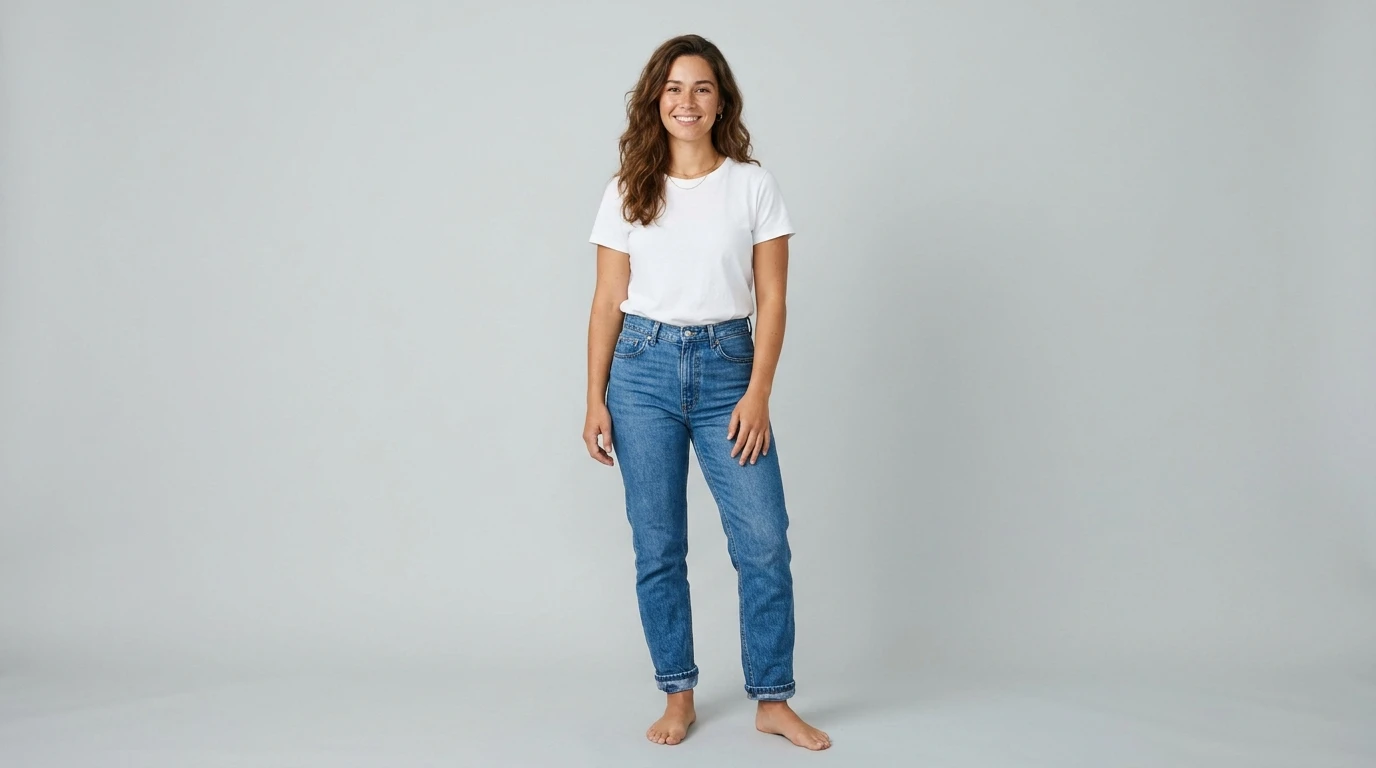
No more Photoshop — just prompt and create.
What you can create across every domain.
Explore how solo creators and commercial teams use Pixt.ai—click any scenario to open its prompt directly in the AI Studio.
Built for solo creators. Two perspectives.
Switch perspectives to see how Pixt AI adapts from personal creative expression to high-volume commercial production.
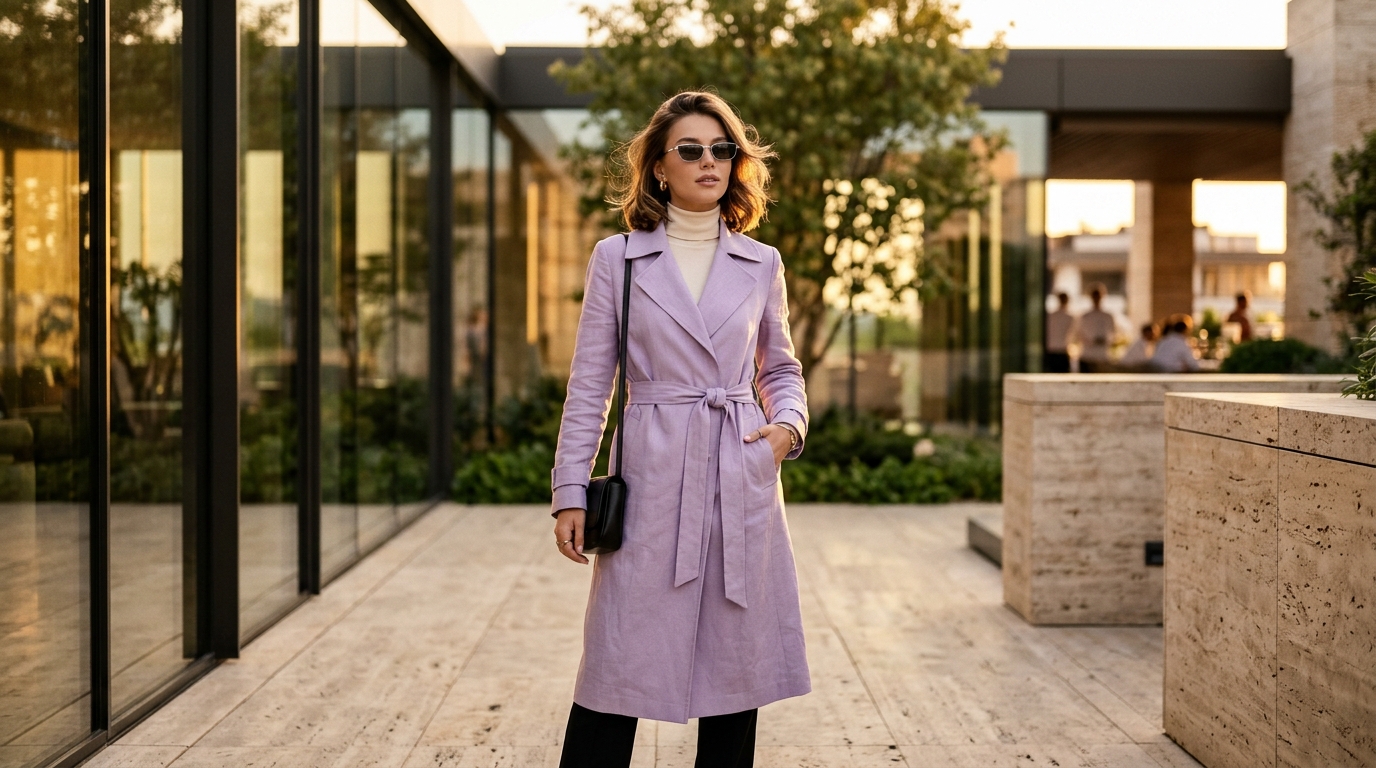
Three steps. on the exact same canvas.
Prompt or Drop References
Type your idea or attach up to 10 product, model, or style references directly into the composer.
Render in 1K or Native 2K
Generate single visuals or simultaneous batches with optional 4-channel RGBA transparency.
Select & Edit In-Place
Click any output to refine lighting, swap details, or remove backgrounds on the exact same screen.
Frequently Asked Questions
Everything you need to know about Pixt.ai, credits, and AI generation.
Start creating solo or scale across your entire brand.
Launch the AI Studio immediately in your browser, or explore rolling periodic plans for your team.